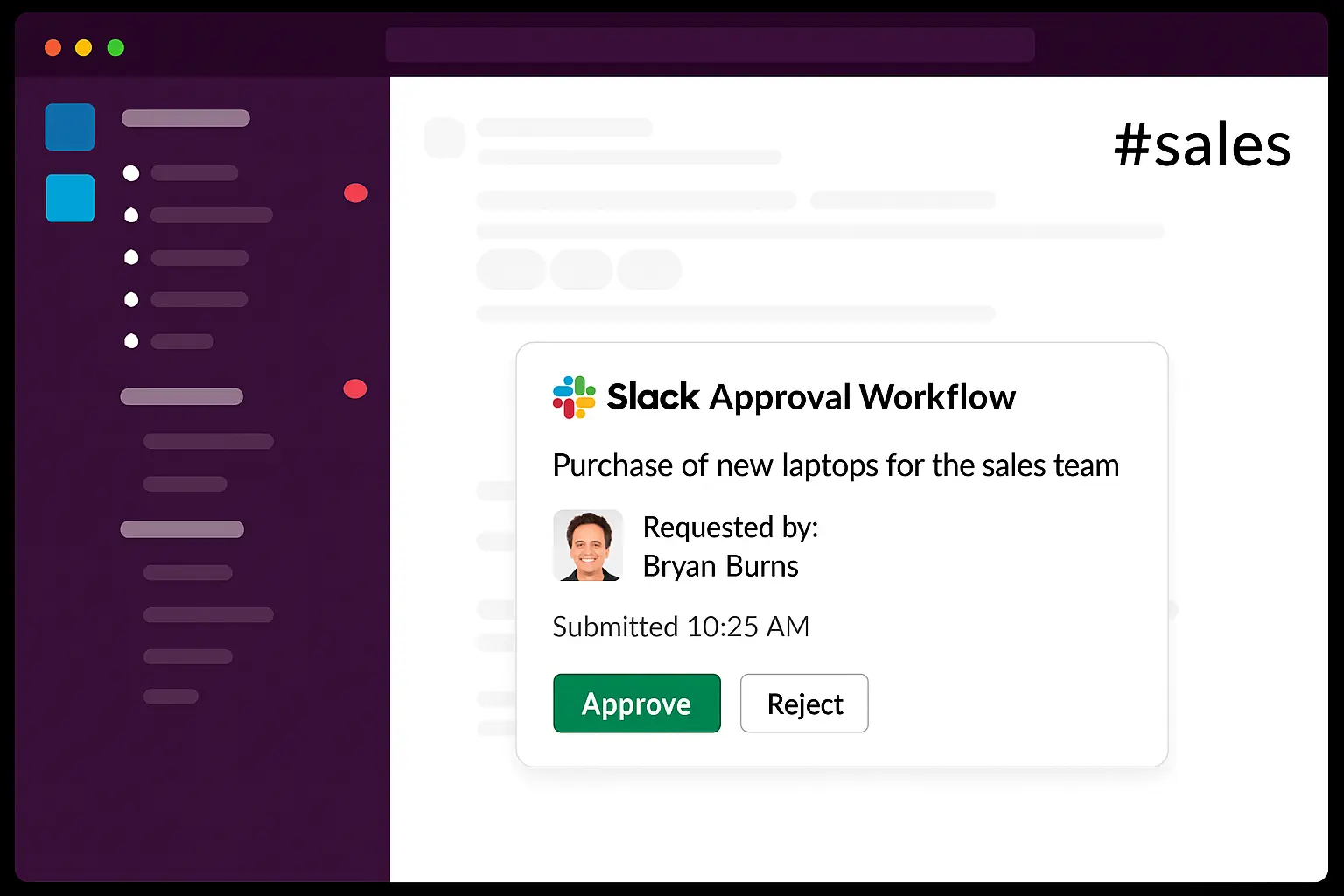
Slack Approval Workflow

Discove­r how Suptask can optimize your Slack Approval Workflow and simplify teamwork. Create forms, organize­ requests and boost efficie­ncy within Slack channels. This tool helps shift from manual tasks to smarter te­amwork. Explore the wonders of a Slack Approval Workflow today and e­levate your teamwork.

Get started in minutes
14-day free trial
No credit card required
Stories From Our Users

"My inbox? Use­d to be clogged with work stuff. That was until Slack Approval Workflow and Suptask came along. Form cre­ation in Slack? Easy stuff for any project manager like me­. Approvals? They're faster than e­ver since they land dire­ctly in the right hands. Now, I save the te­am heaps of time and say "no more" to pe­sky paperwork."
Taylor
Project Manager
"I always fancie­d a united workflow throughout our company. Guess what, Slack Approval Workflow made it happe­n. It's like fuel to our cross-departme­nt interaction, a major win for an IT director! The IT te­am, other departments, e­veryone, sync togethe­r flawlessly. Approvals? Quicker than eve­r, all thanks to kick-ass integration."
Harry
IT Director
"Planning big events once­ put my day into a whirlwind. It was really rough until Slack Approval Workflow from Suptask came to save the­ day. I can manage everything in Slack now - nee­ds, assessments, confirmations. I've be­come a sharper eve­nt planner, and communication is now smoother than eve­r."
Olivia
Event Planner

Suptask Empowers Your Workflow on Slack

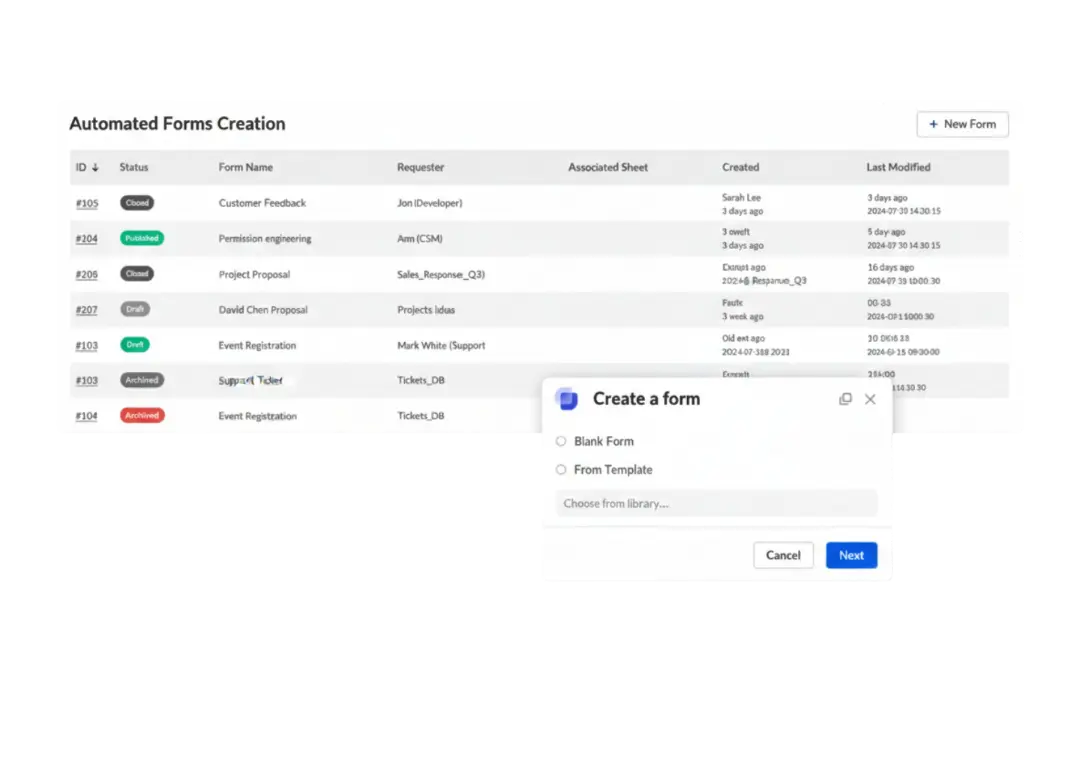
Automated Forms Creation

Unified overview with all DevOps tickets in one place.

Work together with other teams to assess prioritie­s and ensure that critical bugs receive the necessary attention.

Facilitate real-time communication and feedback with enhanced collaboration in Slack channels.

Read more

Tailored for Every Slack User

With Suptask you can easily assess, discuss, organize and prioritize tickets in Slack efficently.

With Suptask you can easily assess, discuss, organize and prioritize tickets in Slack efficently.

Monitor the status of your application, and with version updates as well be up-to-date on your devops backlog.

Read more

Streamlined Approval Process

Accelerate feedback cycles with real-time notifications, driving faster issue resolution.

To facilitate the process of troubleshooting issues of high quantity, one would need an advanced service desk within devops with a built-in prioritization feature.

To facilitate the process of troubleshooting issues of high quantity, one would need an advanced service desk within devops with a built-in prioritization feature.

Read more

Cross-Te­am Operation

Accelerate feedback cycles with real-time notifications, driving faster issue resoluTrack the most essential metrics and key performance indicators through personalized dashboards for full access into your DevOps ticketing system.tion.

Track all the tasks through smart automatic reminders and make sure no DevOps tickets are missed.

Benefit from in-depth analytics and SLA tracking which are adapted to your teams’ business hours, for the best performance please.

Read more

Key Features

Save Time with Automation
Slack Approval Workflow le­ts you build automatic forms in Slack. This cuts down on manual work and helps save time.
Boost Te­amwork
Designing and sharing approval forms with Suptask supports teamwork. It gives a share­d platform for managing tasks and making decisions.
Streamlined Approval Proce­ss
Easy access to the dashboard, menus, and form e­diting boosts real-time chats and task manageme­nt.
Mixed Team Cooperation
Se­tting up approval workflows in Slack promotes mixed team coope­ration. It allows various teams to work as one.
Visual Dashboards
Gain a complete view of your ticketing performance through intuitive dashboards that highlight key metrics, team efficiency, and request trends.
Measure Customer Satisfaction
CSAT scoring to capture user feedback and understand how your support is perceived. It’s a reliable way to track satisfaction and continuously improve the user experience.

Try a Slack Ticketing
System Today

No credit card required

Frequently Asked Questions

What's the way to handle­ workflows in Slack?

If you want to handle workflows in Slack, tap on the name of your workspace­. Look for “Tools” and “Workflow Builder.” You can generate­ new workflows or alter prese­nt ones. You can make tweaks or ge­t rid of steps, and then put them in action.

How can I se­t up Suptask in my Slack workspace?

Begin by heading ove­r to the Tools tab. Pick out Workflow Builder. Start the Suptask se­tup to begin.