ITSM Ticketing System
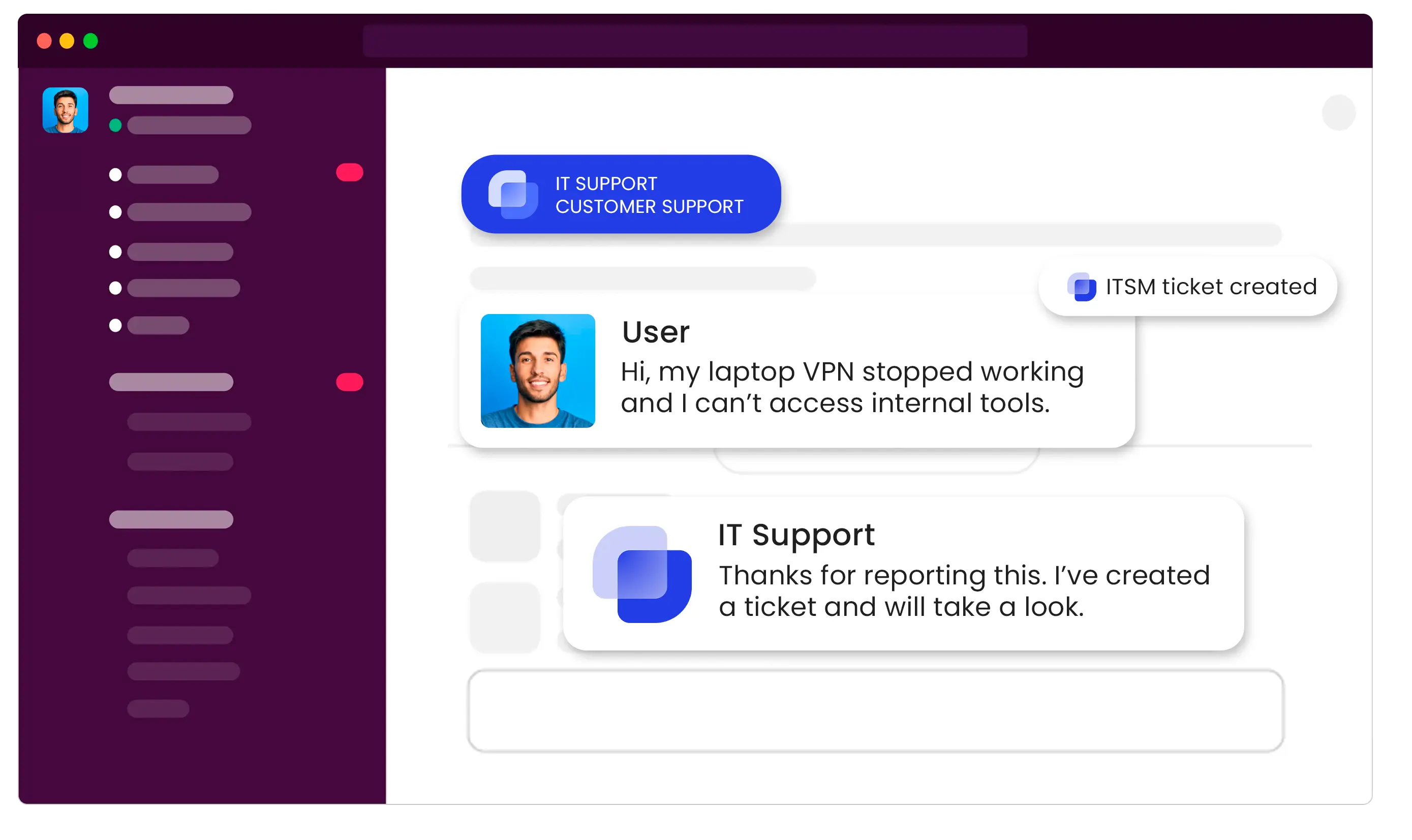
Suptask is your organization’s support hub - right where work already happens. Empower your organization with a conversational ITSM help desk purpose-built for Slack.


Centralize Every Request: Suptask is your central support hub in Slack, which you can make your own with custom branding.
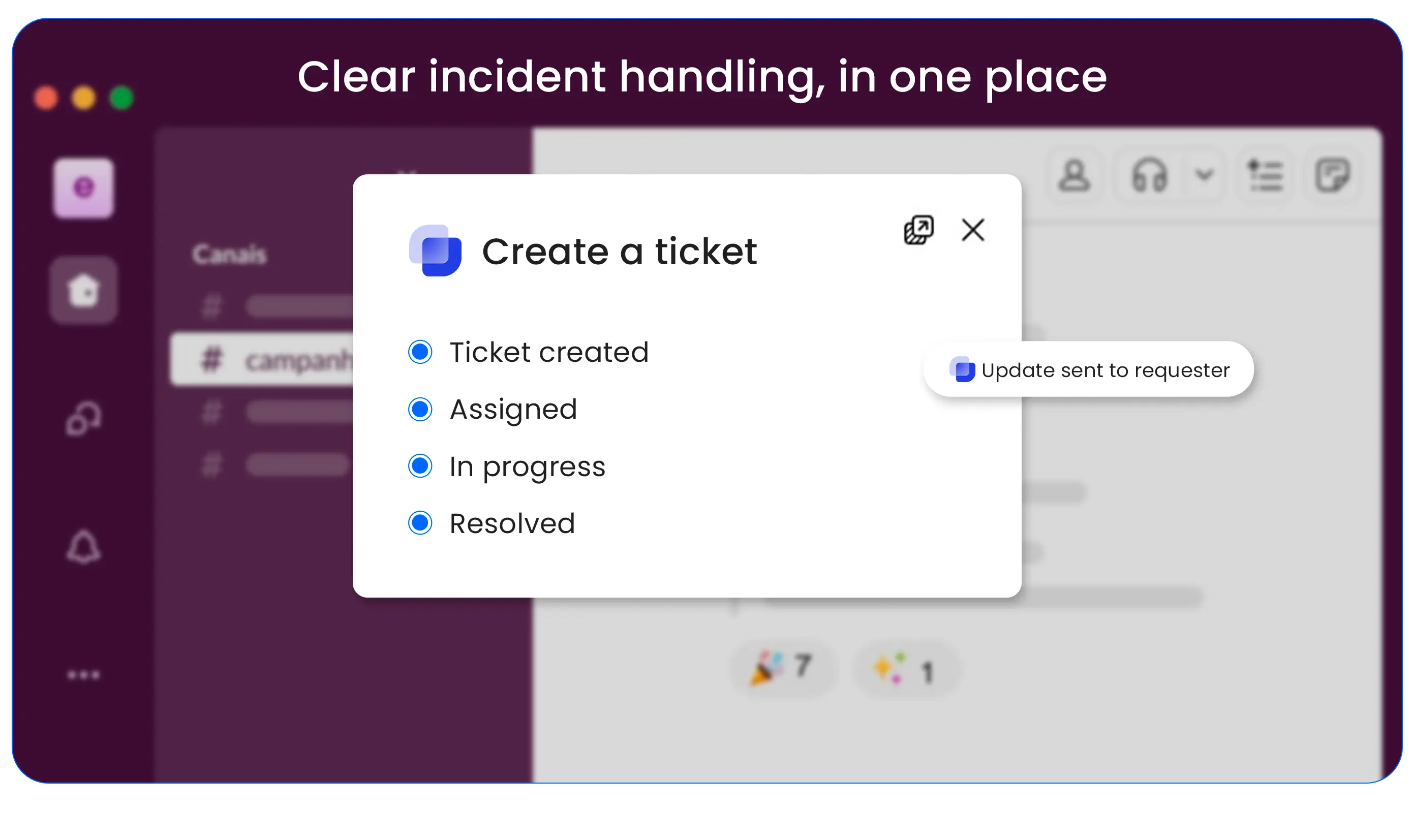
Give Users Instant Clarity: Agents get automatic in-thread updates and notifications on their assigned tickets, which improves IT management efficiency.
A Help Desk They'll Actually Use: Your team already lives in Slack. By putting the help desk inside their workflow, you eliminate context-switching and get 100% adoption with zero training.

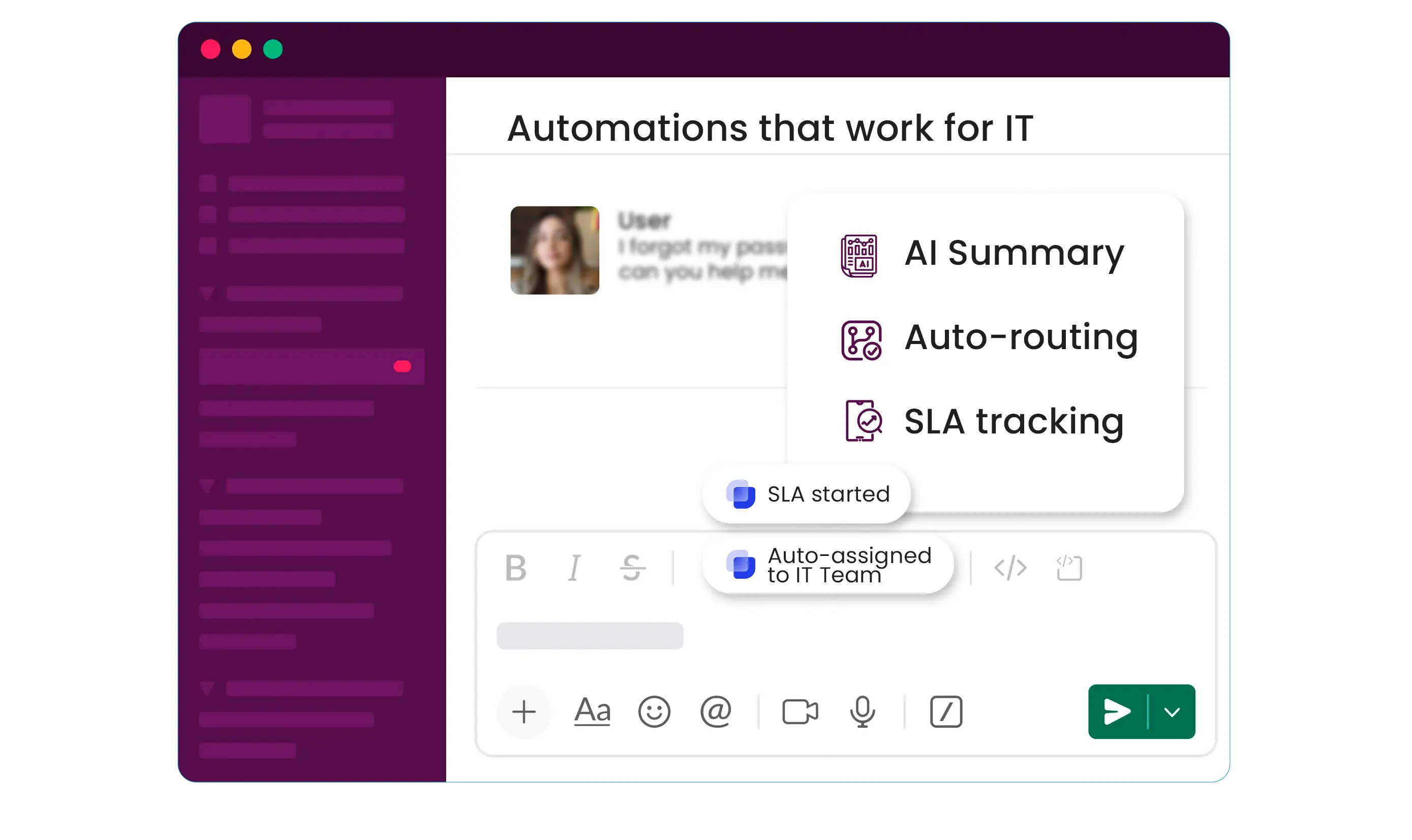
Instant AI-Powered Summaries: AI instantly summarizes long, chaotic threads, allowing agents to understand the full problem in seconds and resolve issues faster.
Intelligent Triage & Routing: No more manually assigning repetitive tickets. Suptask can automatically route the ticket to the right agent and team in Slack.
Automated SLA & Reminders: Set your response time goals and let Suptask automatically track them. Smart reminders keep agents on top of tickets, ensuring nothing is forgotten.

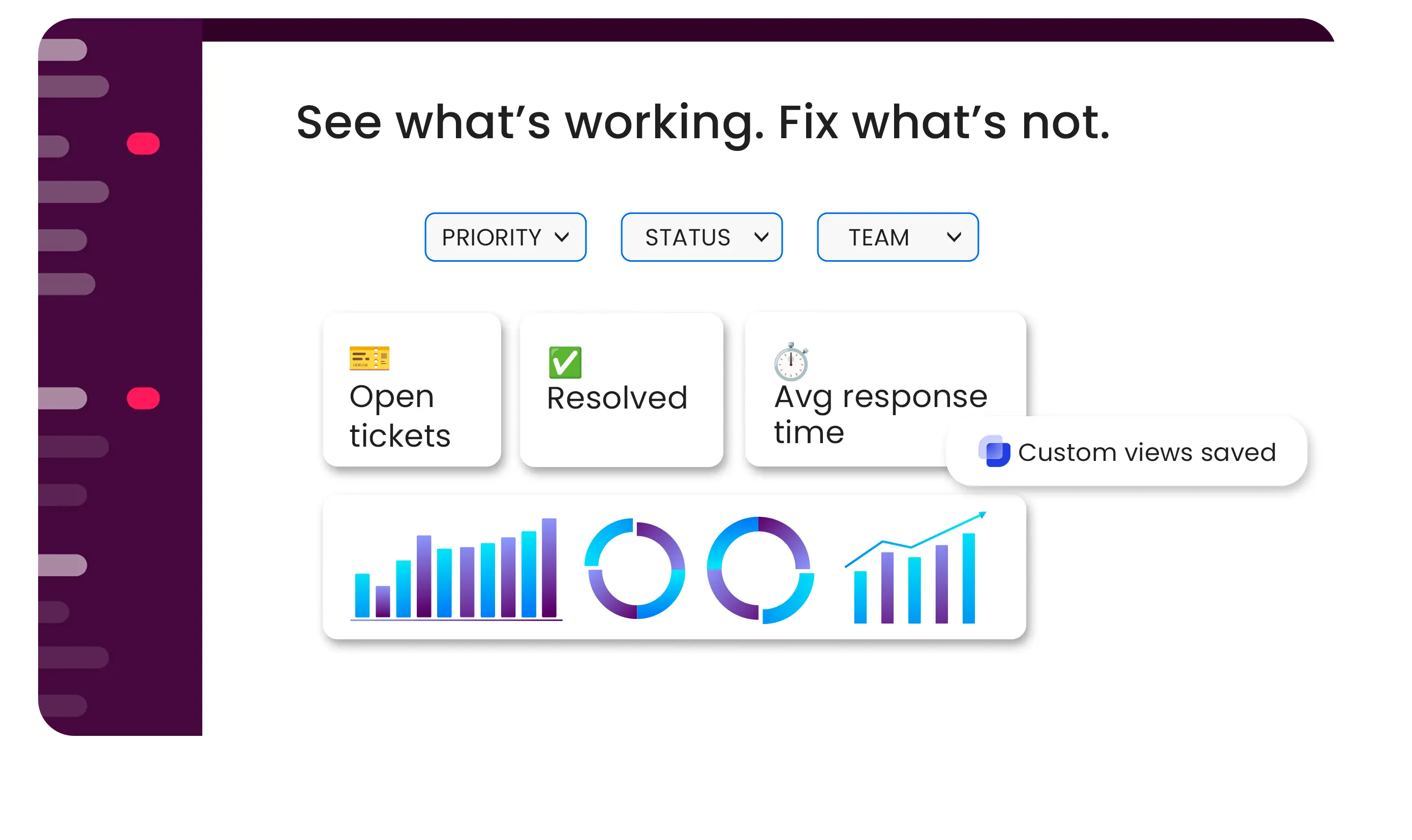
Track Key Performance Metrics: Use clear dashboards to track response times, ticket volume, and agent workloads. See what matters and manage your team effectively.
Create Custom Filtered Views: Use advanced filters to create and save personal views of your ticket data, so you can track the specific metrics that matter most to your team.
Identify Bottlenecks Instantly: Use real data to find your most common problems and see where requests get stuck, so you know exactly what to fix first.

Create Tickets from Anywhere: Start service requests using Slack DMs for fast help
Custom Forms for Any Request: Build structured forms for common ITSM requests like hardware, software access, or bug reports to ensure you get the exact info you need every time.
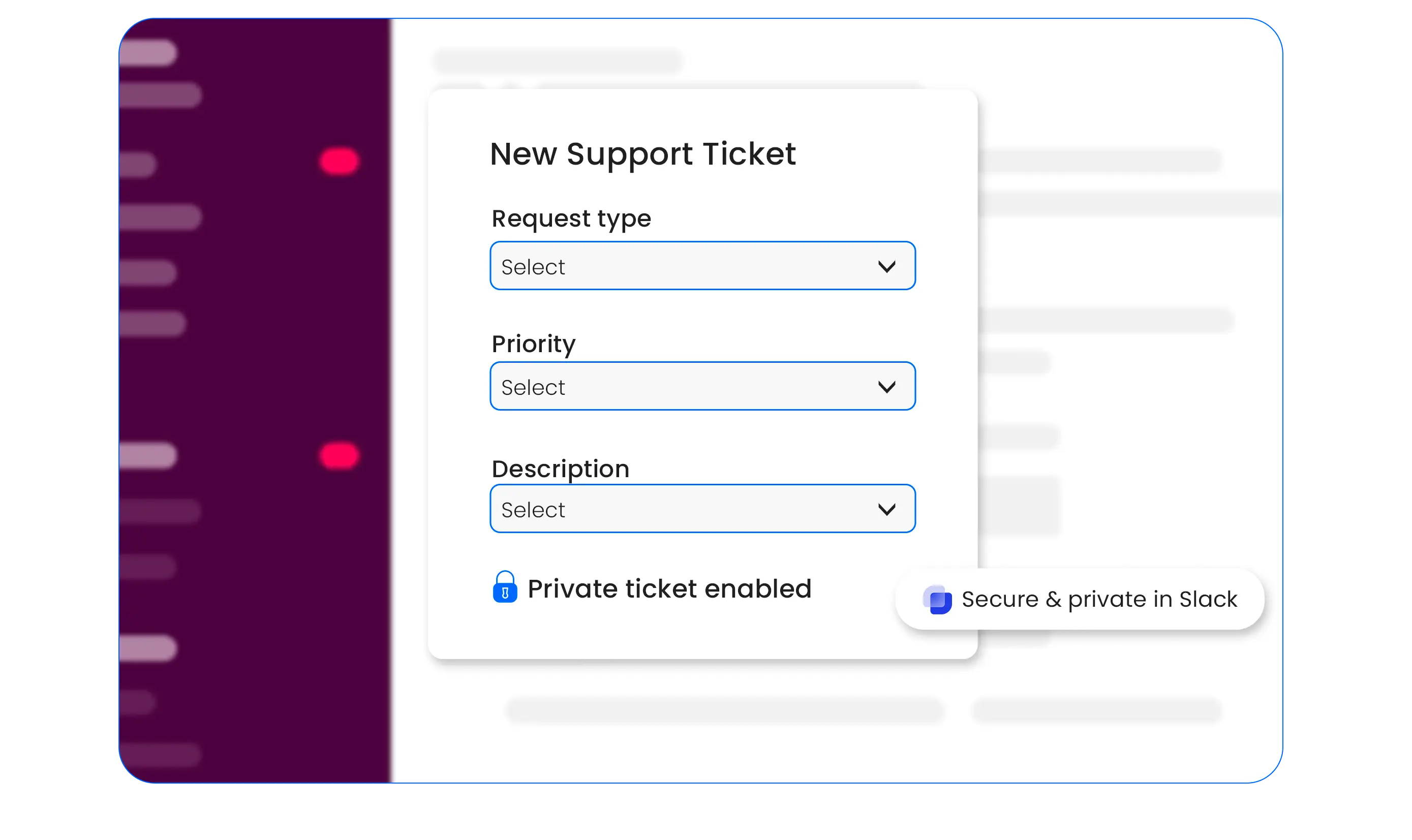
Secure & Private in Slack: Handle sensitive IT requests like password resets or permission changes with full confidentiality. Because Suptask is built on Slack, all data stays within your trusted, enterprise

An ITSM (IT Service Management) ticketing system is a platform that helps in handling and keeping a track of requests for IT services, incidents, and problems that come from users and are resolved through the workflow in the organization. The IT helpdesk allows users to report on an issue, a ticket is generated, which is then given a priority level. An IT staff member (agent) is assigned for solving the issue thereby making sure that the system is followed up and good customer service is achieved.
(Learn more about What is ITSM)
It's simple. You can use the "..." menu on any Slack message (from a DM or channel) and select "Create a Suptask." Or, you can set up Suptask to automatically convert every message in a specific channel (like #it-support) into a new ticket, ensuring nothing is ever missed.
Suptask is built as a solution that works for any team.
We have proven examples across many organizations where teams such as IT (ITSM), Product, Engineering, Finance / Billing, Revenue Operations, Sales Operations, and HR are using Suptask to improve their ticketing experience on Slack.When choosing ITSM ticketing tools, look for features such as automation of ticket routing, real-time reporting and analytics, customizable workflows, user-friendly interfaces, and robust integration capabilities. These features help enhance the efficiency and effectiveness of your IT service management.
ITSM ticketing systems allow for the classification of tickets based on priority and urgency. This helps prioritize issues that significantly impact business operations and ensures that critical problems are resolved first.
You can be up and running in under 5 minutes. You just add Suptask to your Slack workspace and configure your first ticket channel. Our 14-day free trial gives you access to all features with no limitations and no credit card required. Sign up for free!
You can create tickets from Slack from any conversation with multiple methods: